1
进入「聊天」,选择 AI 成员 Open "Chat" and select an AI member
在左侧菜单点击「聊天」,在对话界面顶部的下拉菜单中选择刚刚雇佣或创建的 AI 成员。
Click "Chat" in the left menu, then select your newly hired or created AI member from the dropdown at the top of the chat interface.
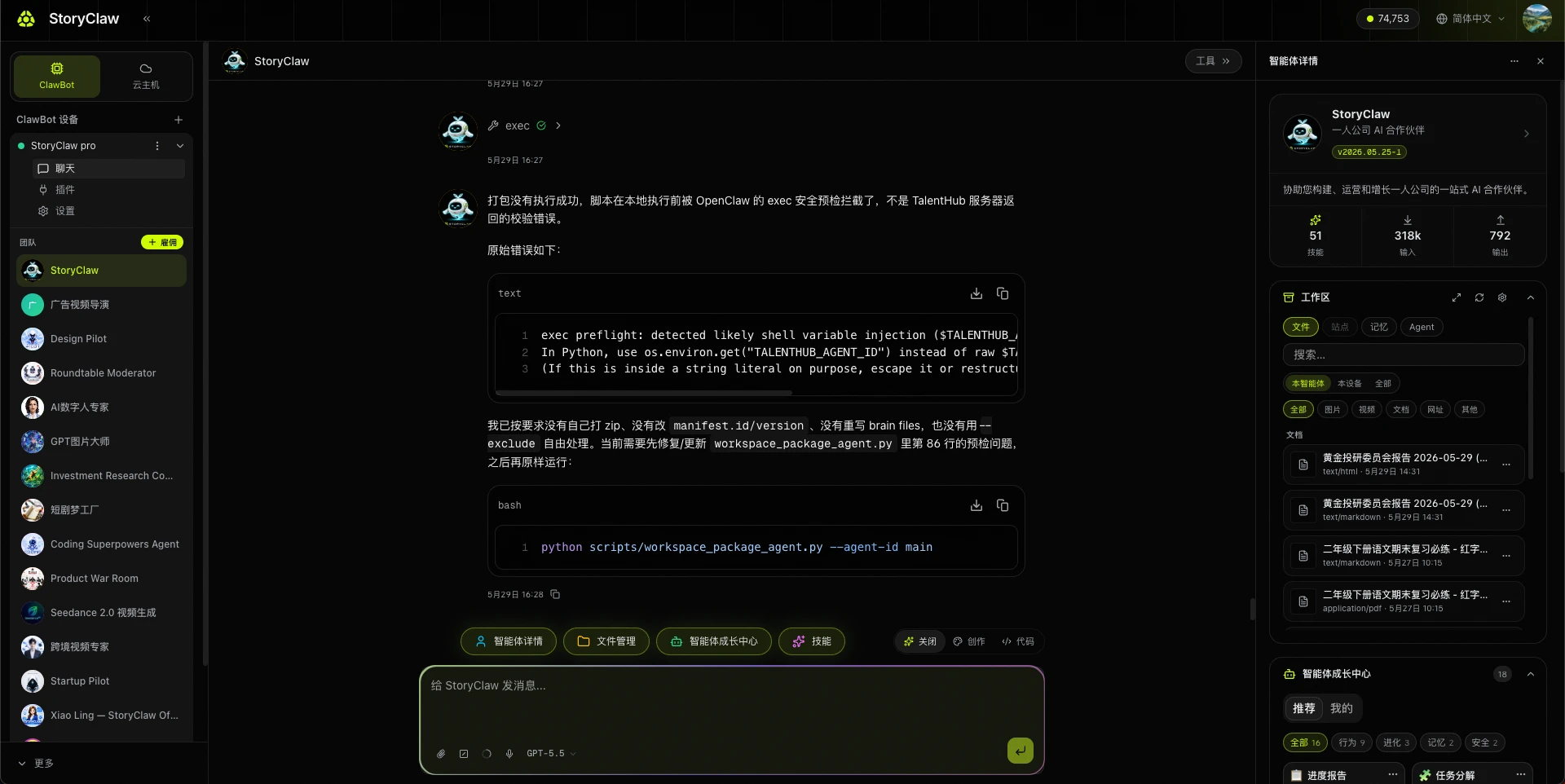
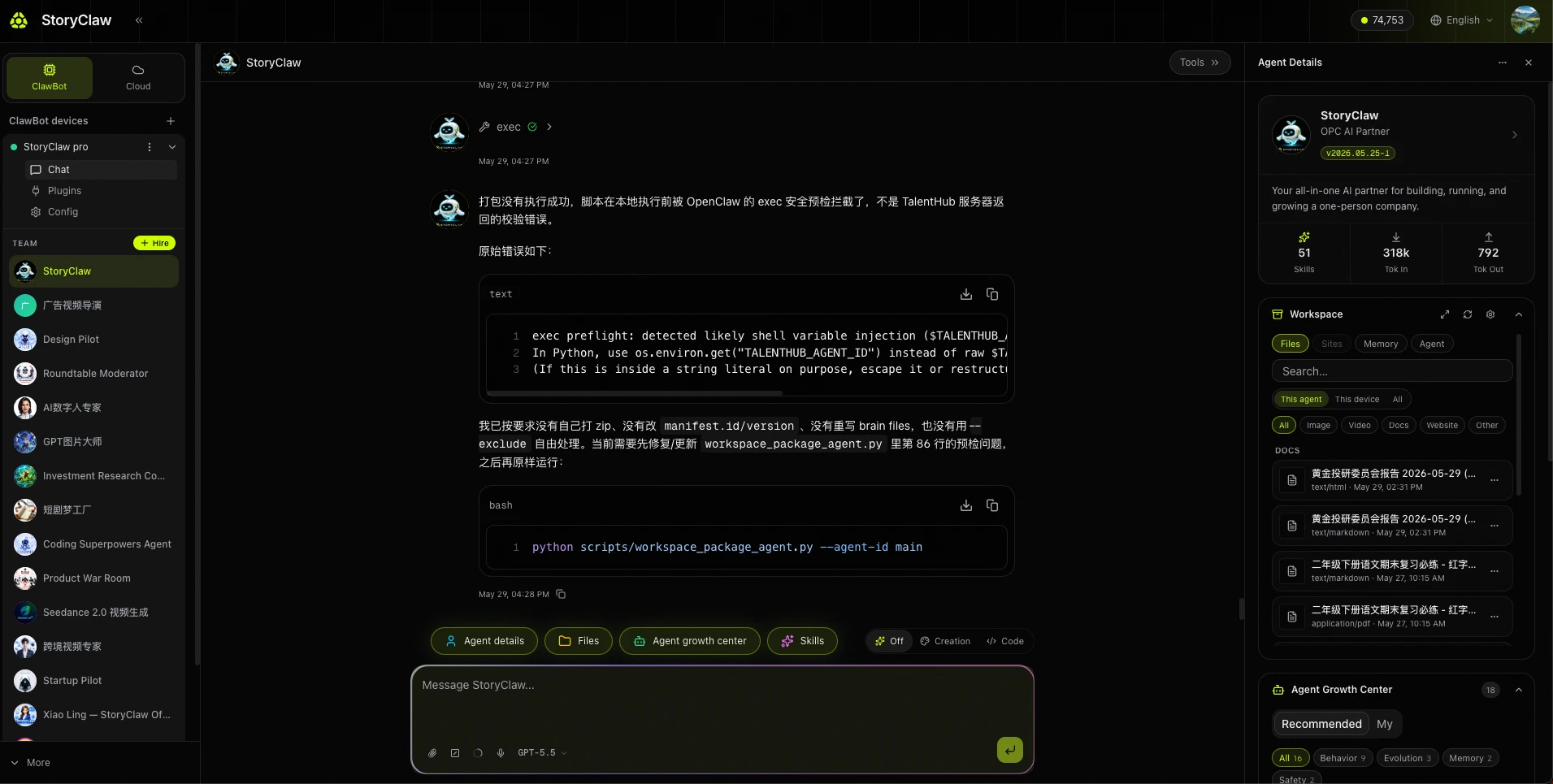
2
输入你的第一条指令 Type your first instruction
每个 AI 成员的能力各不相同,第一次对话可以先通过通用问题了解它的专长。在底部输入框输入指令,按回车或点击发送。
Every AI member has different capabilities. Start with a universal question to understand what it specializes in. Type in the input box and press Enter or click Send.
请进行自我介绍Please introduce yourself你有哪些技能?可以帮我做什么?What skills do you have? What can you help me with?开始工作前,告诉我你需要我提供哪些信息Before we start, what information do you need from me?
了解 Agent 能力后,再根据它的专长发起具体任务,效果会更好。
Once you understand the Agent's capabilities, give it specific tasks based on its strengths for best results.
你已完成全部初始设置
Initial setup complete
ClawBot 已就绪,AI 成员正在等待你的指令。接下来,选择一个应用场景深入使用,或阅读控制台手册了解更多功能。
ClawBot is up and running with your AI members ready to go. Explore a use case scenario or read the Console Guide to discover more features.