
Feishu Bot
Create a new Feishu bot via Agent chat or link an existing Feishu bot to a specific Agent.
Method 1: Create New Bot
Tip
1. Install the Feishu plugin
In the default "AI Assistant" chat in the console, send the following message:
Use this command `npx -y @larksuite/openclaw-lark-tools install` to install the Feishu plugin for me and return the login QR code. If you can't return the QR code, diagnose and fix the issue — just give me the binding QR code in the end, I don't care about intermediate errors.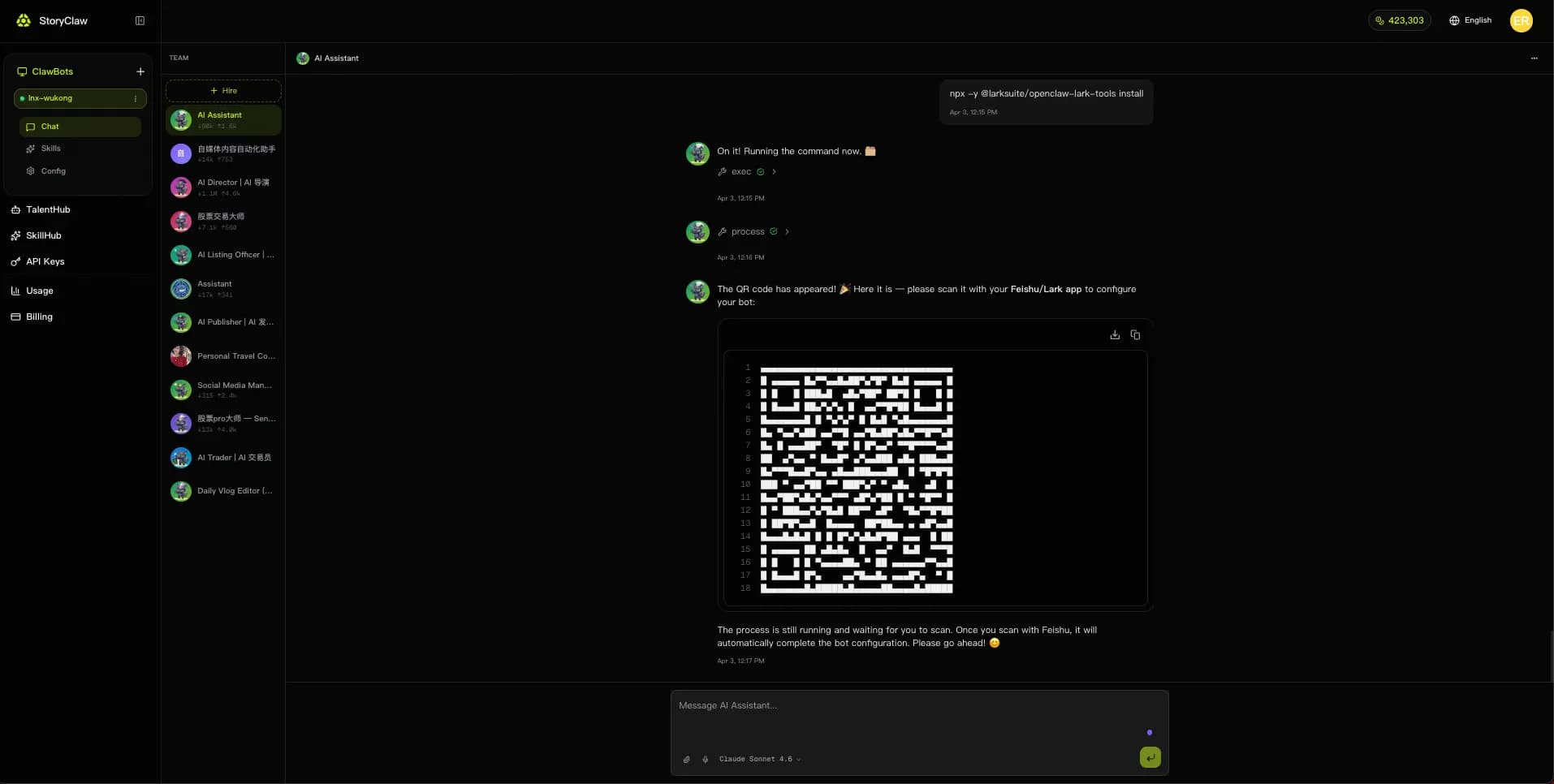
2. Scan the QR code
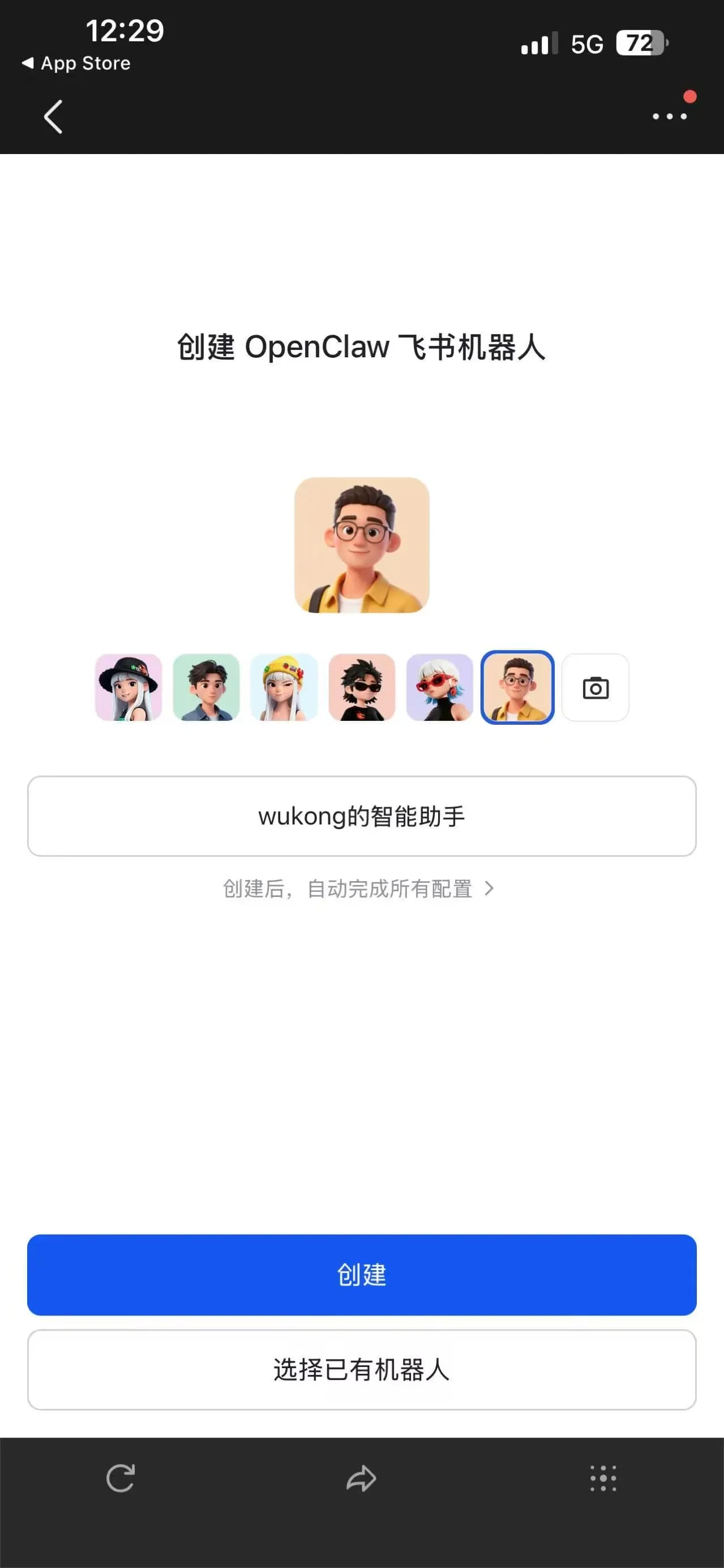
Open the Feishu app on your phone, scan the QR code returned by the Agent, choose a bot avatar, enter a bot name, and tap "Create" — or tap "Select Existing Bot" to bind to an existing one.
3. Wait for creation
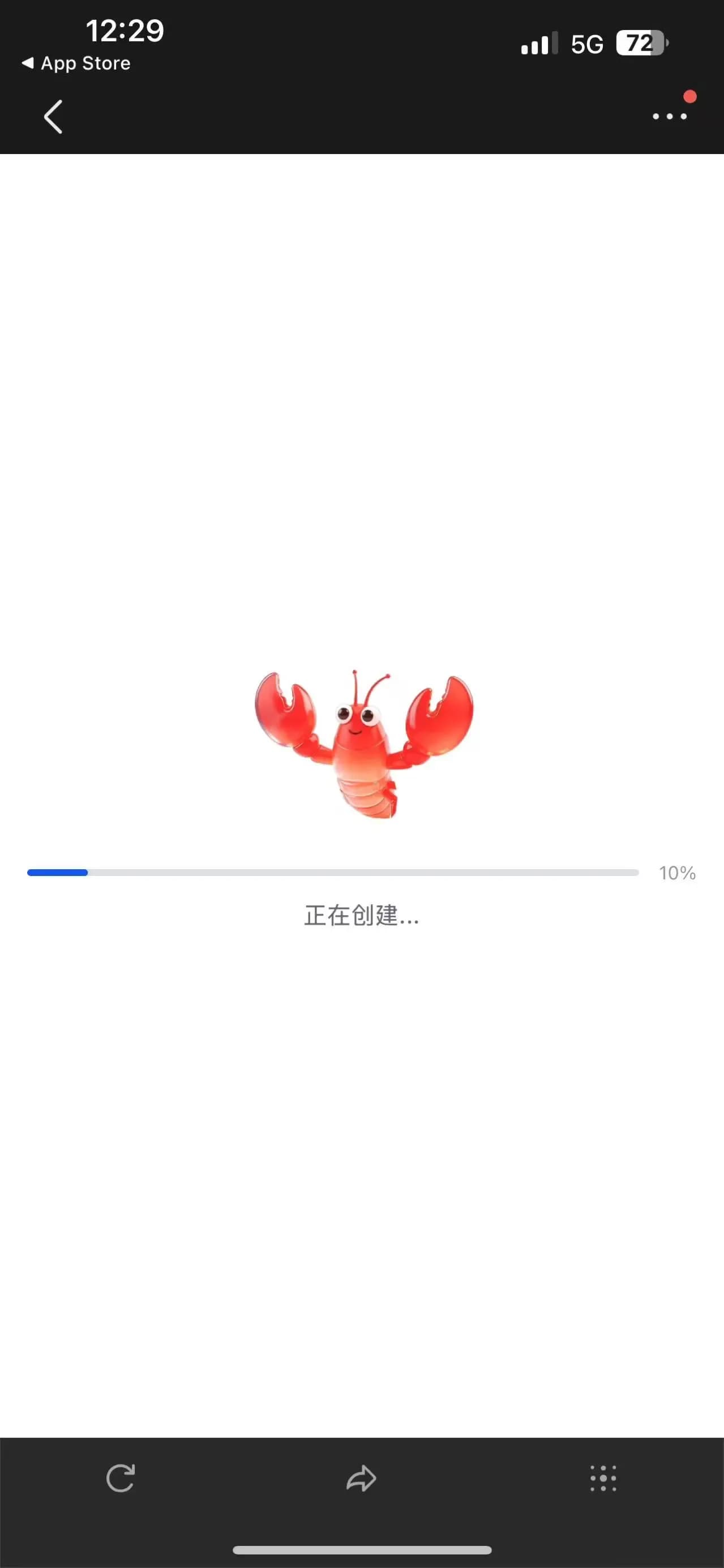
The system automatically completes all configuration. Wait for the progress bar to finish — no manual steps required.
4. Find the bot
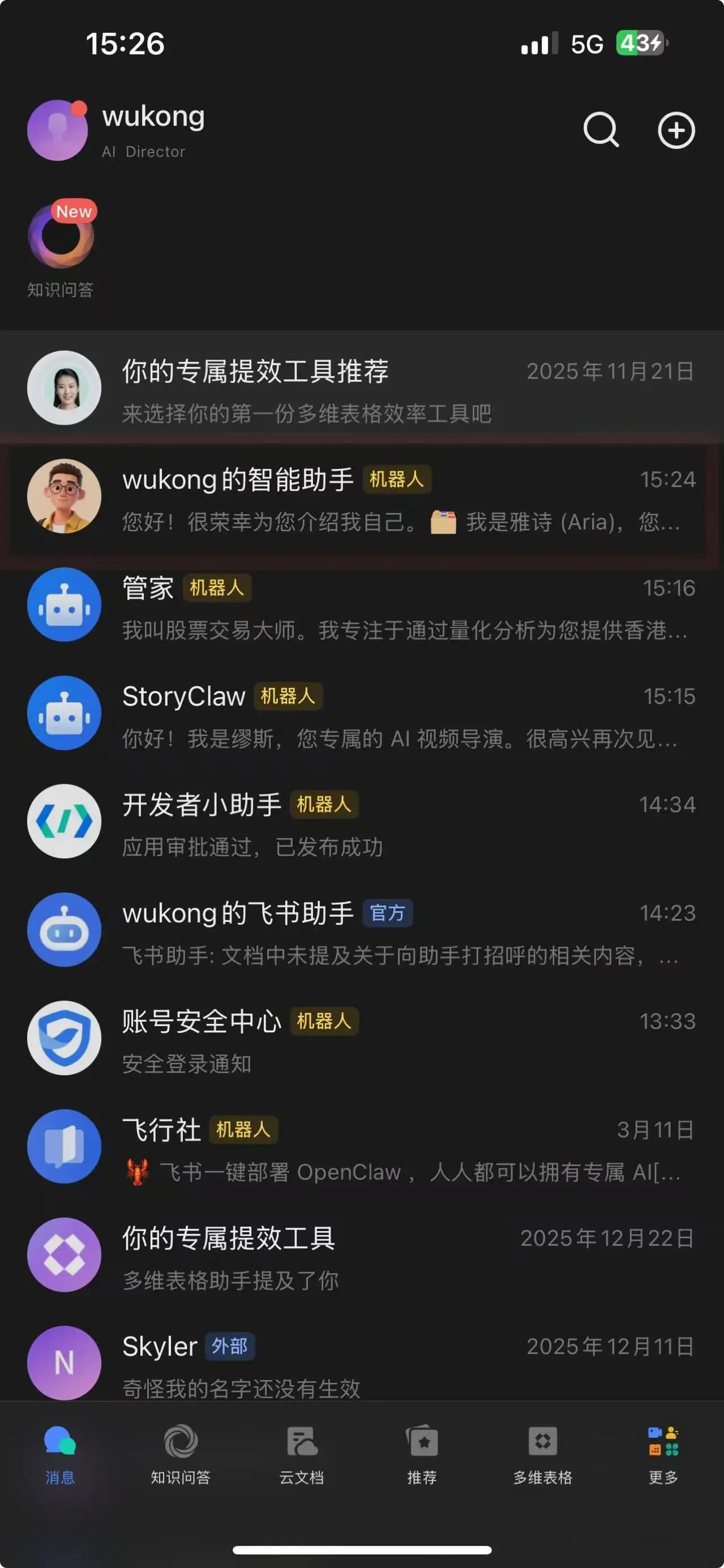
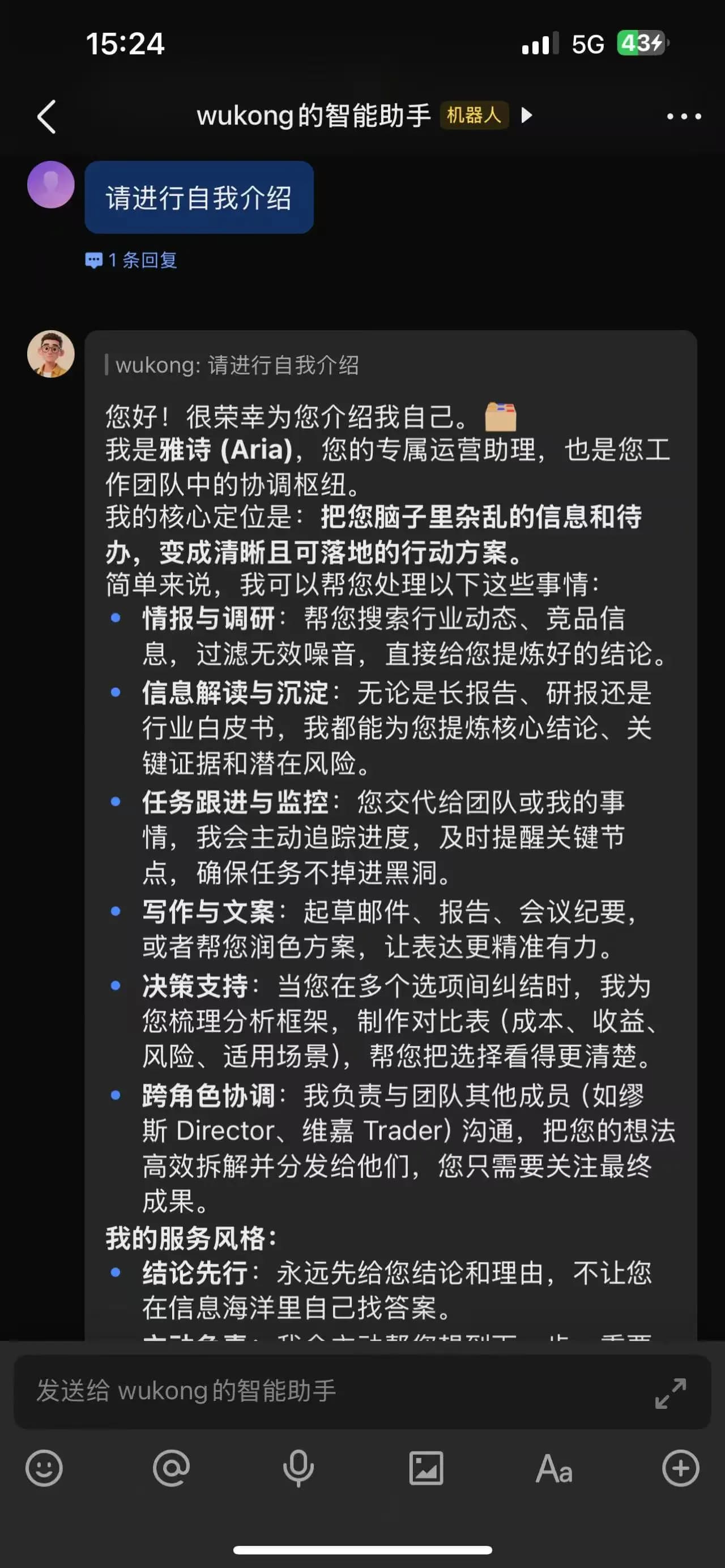
Once created, the new bot will appear in your Feishu message list.
5. Test the chat
Tap the bot and send a message to verify the AI member responds correctly.
Link an Existing Bot
Note
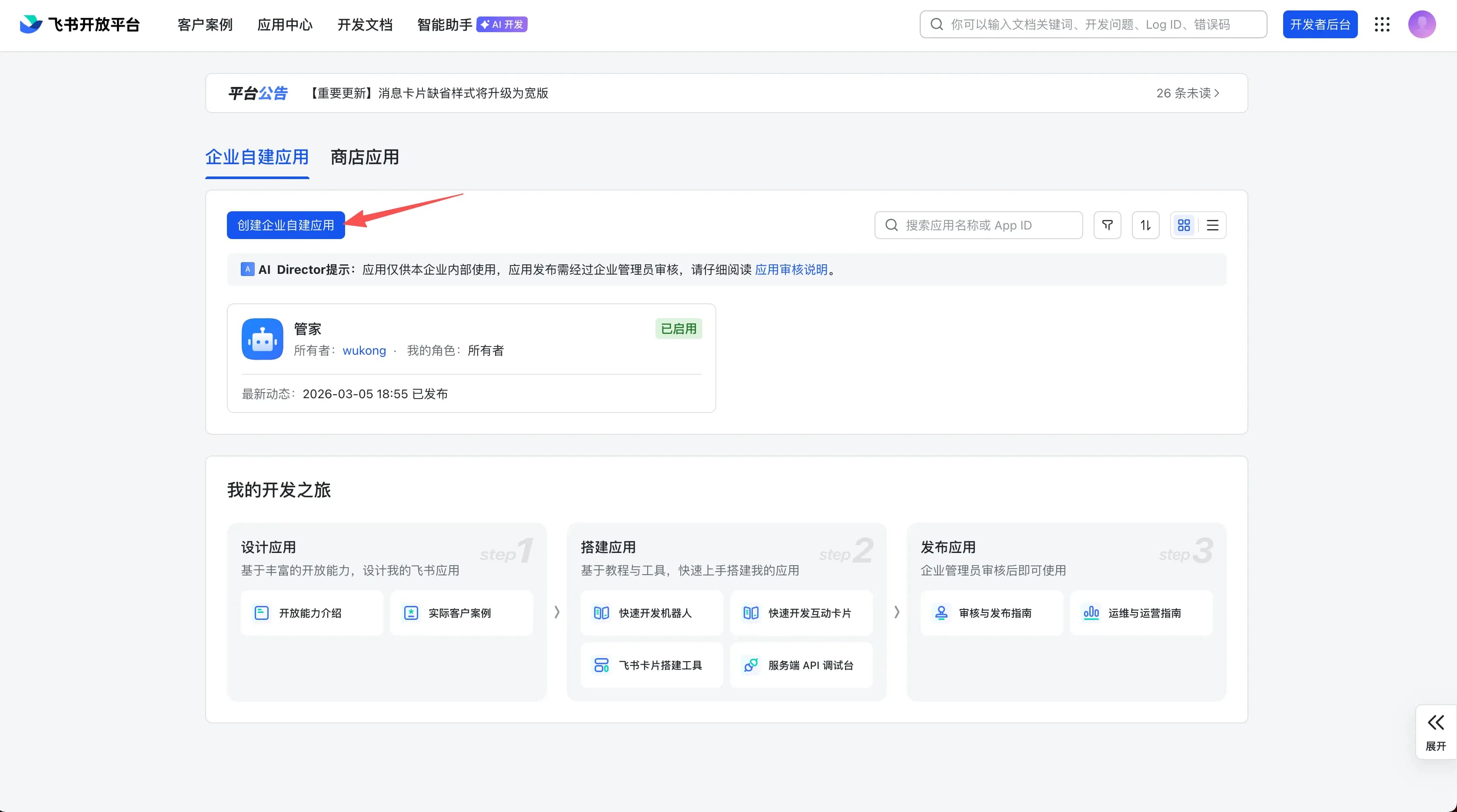
1. Open Feishu Open Platform
Go to open.feishu.cn and sign in with your Feishu account.
2. Get your app credentials
On the "Credentials & Basic Info" page of your app, copy:
- App ID (format:
cli_xxx) - App Secret
3. Chat with Agent to complete configuration
In the ClawBot console, chat with the target Agent and provide the App ID and App Secret, for example:
I have an existing Feishu bot I need to bind to this Agent. App ID: cli_xxx, App Secret: xxxxxxxx4. Test the chat
After configuration, send a message to the bot in Feishu to confirm it's bound to the correct Agent and responding normally.