WeChat Bot
Connect a WeChat bot to your ClawBot device by scanning a QR code from the Plugins page or by binding via Agent chat.
QR Code via Plugins Page
1. Open the Plugins page
Log in to the StoryClaw console, select your ClawBot device in the left menu, and click "Plugins".
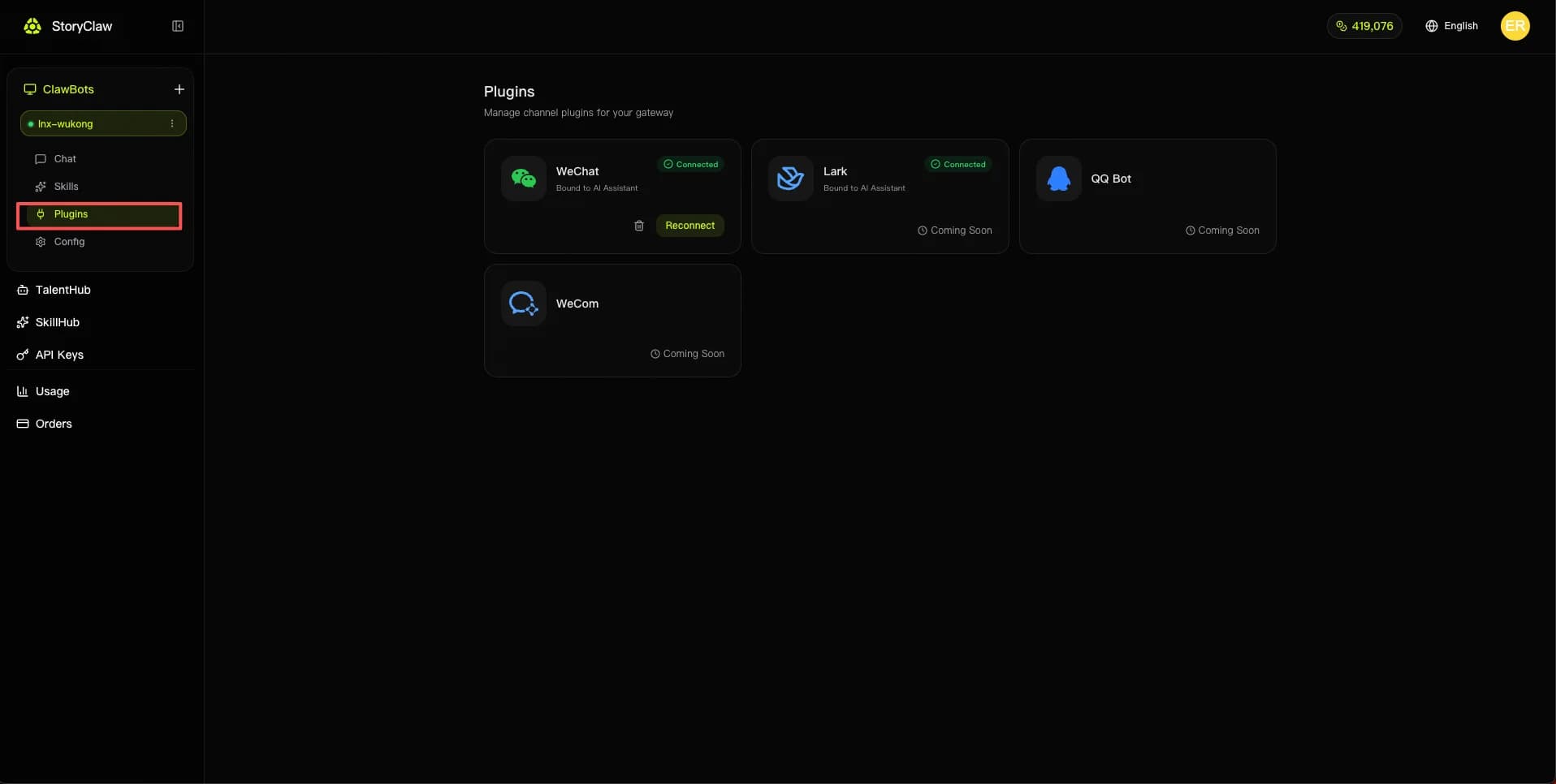
2. Click Connect on the WeChat plugin
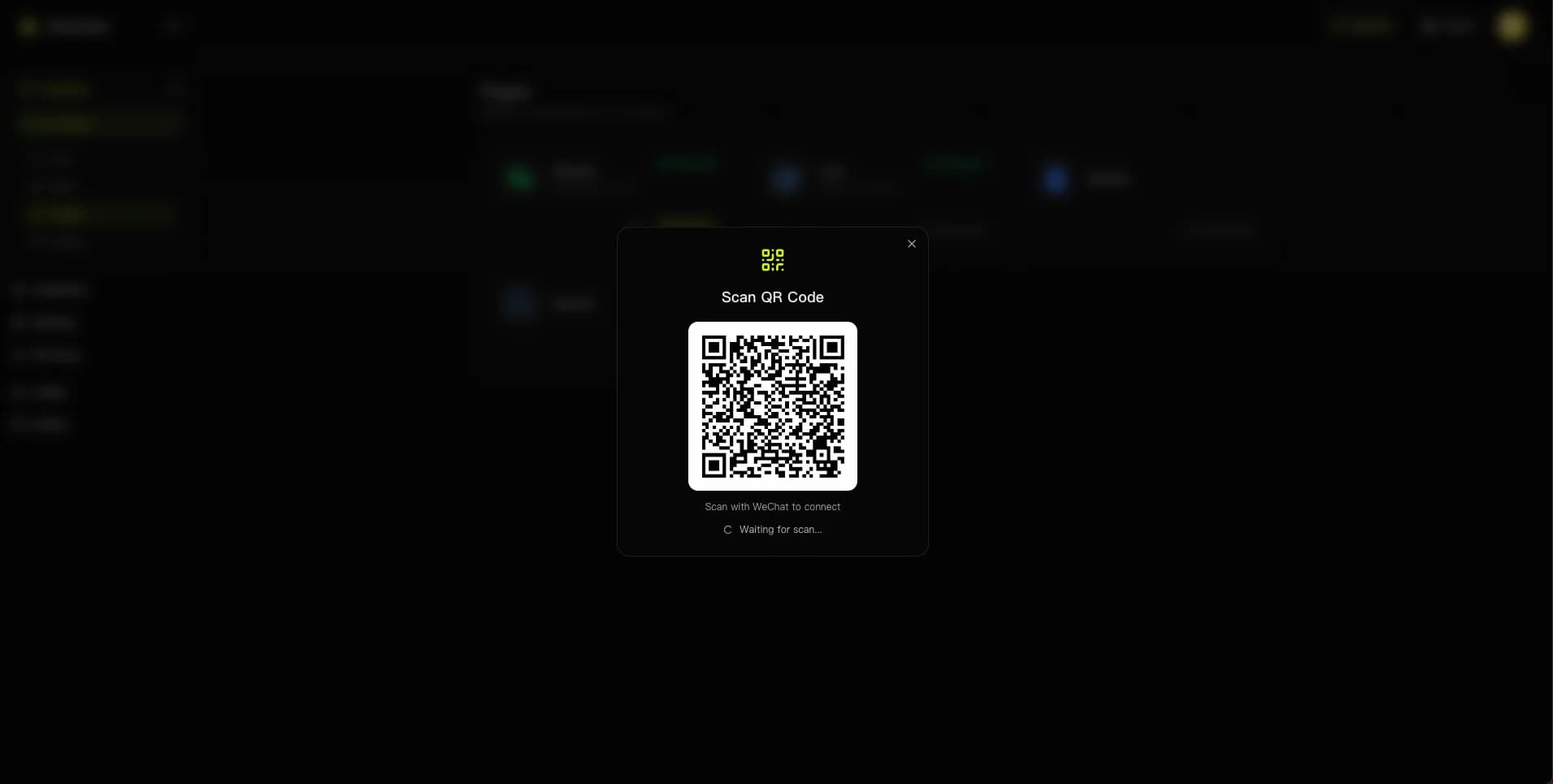
Find the "WeChat" card in the plugin list and click "Connect". A QR code scan window will appear.
3. Scan the QR code with WeChat
Open WeChat on your phone, tap the "+" icon → "Scan QR Code", and scan the code on screen. Confirm login on your phone.
Bind via Agent Chat
1. Chat with an Agent in ClawBot
Tip
Claude Sonnet 4.6 is recommended for this task.
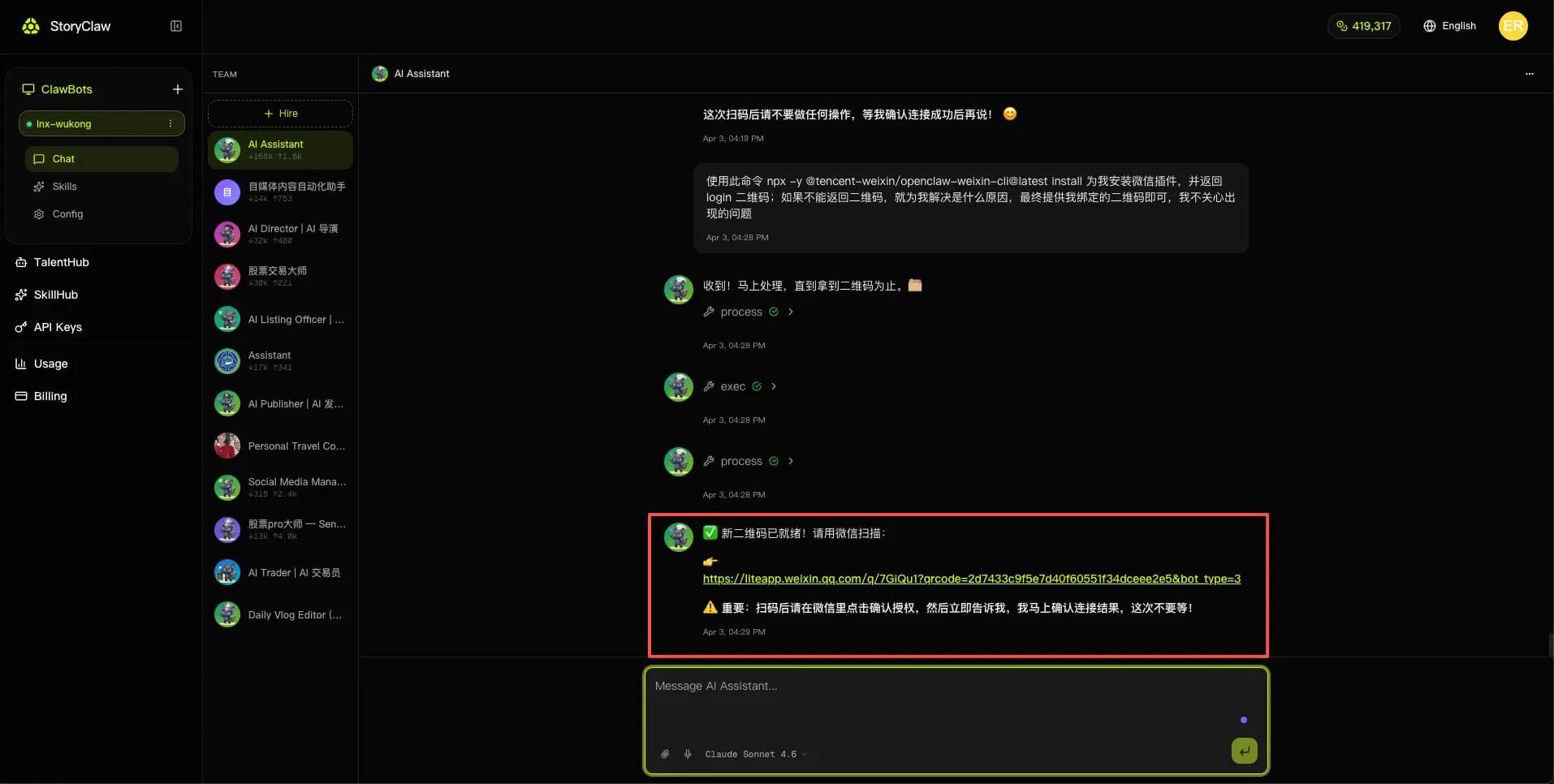
Send the following message to the Agent:
Use this command `npx -y @tencent-weixin/openclaw-weixin-cli@latest install` to install the WeChat plugin for me and return the login QR code. If you can't return the QR code, diagnose and fix the issue — just give me the binding QR code in the end, I don't care about intermediate errors.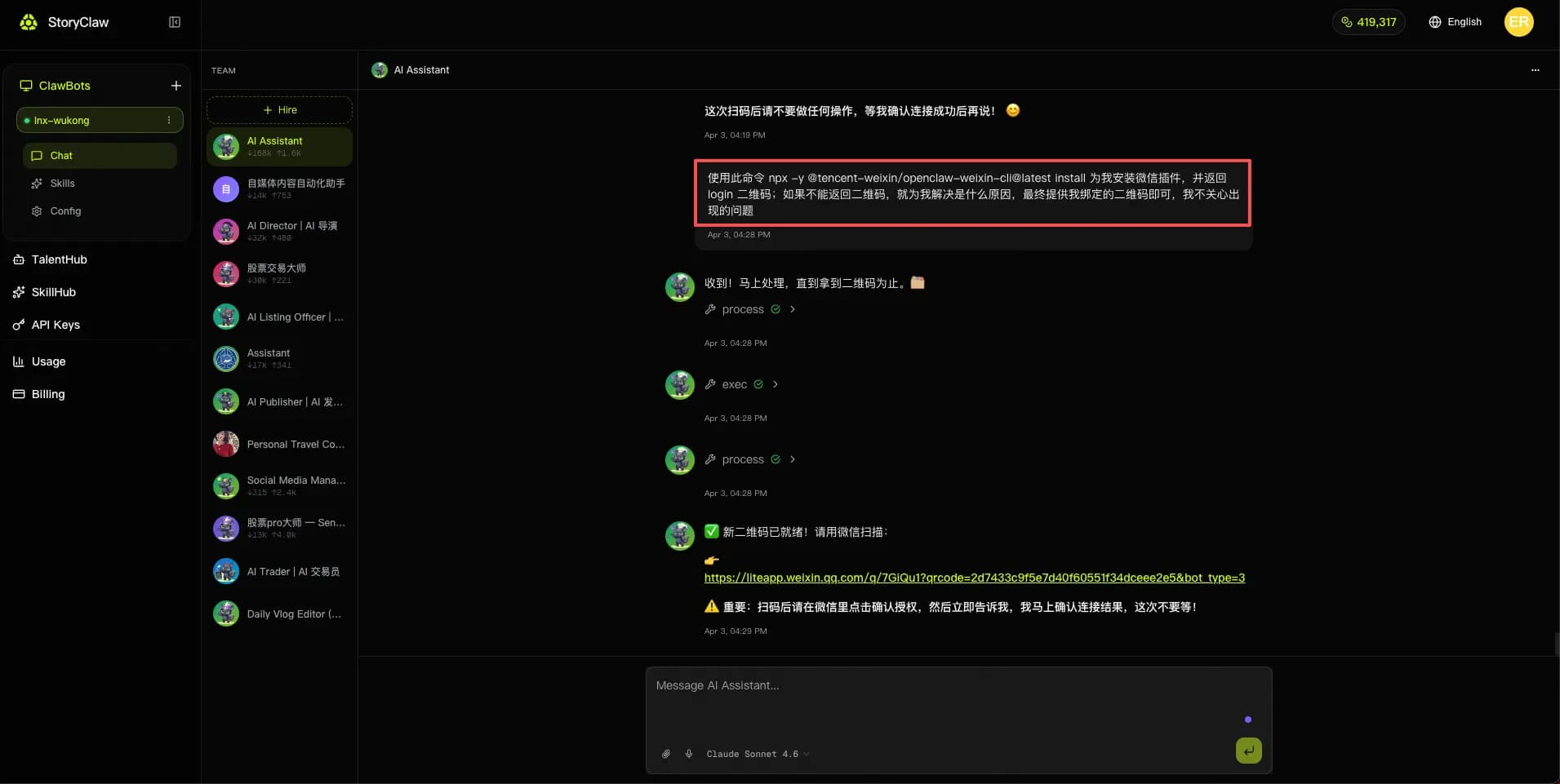
2. Click the generated QR code link and scan with WeChat to bind
After processing, the Agent returns a QR code link. Click the link to open the QR code, scan it with WeChat, then tap Authorize in the WeChat popup to complete binding.