
First Console Login
Sign in to storyclaw.com, open the console, and get to know its core modules.
1. Open storyclaw.com and enter the console
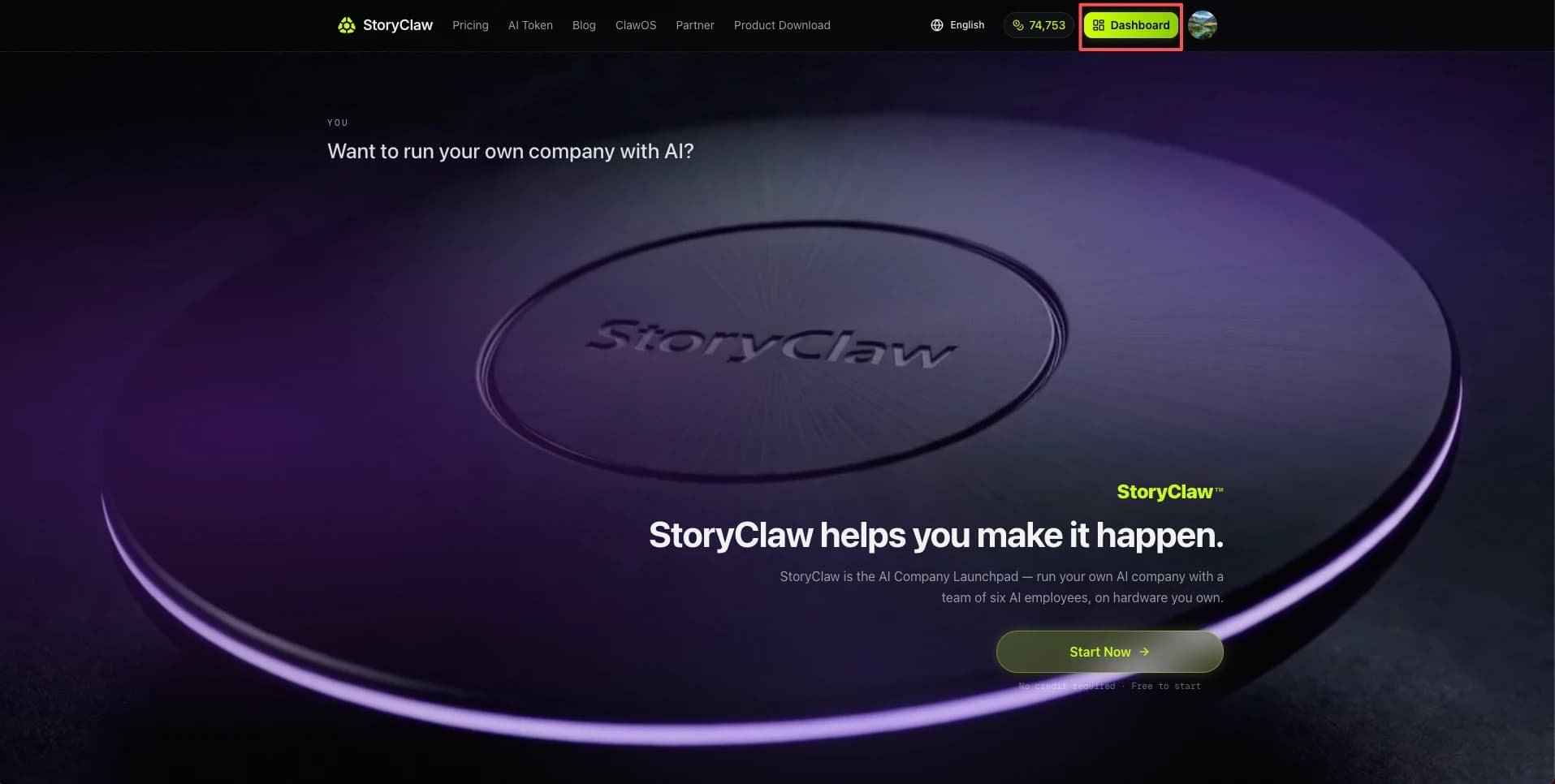
Visit storyclaw.com in any browser, sign in, and click the "Console" button in the top-right corner.
2. Get to know the console
Once inside, you'll see the chat interface. The left sidebar contains all core modules, and your bound device is listed under ClawBots.
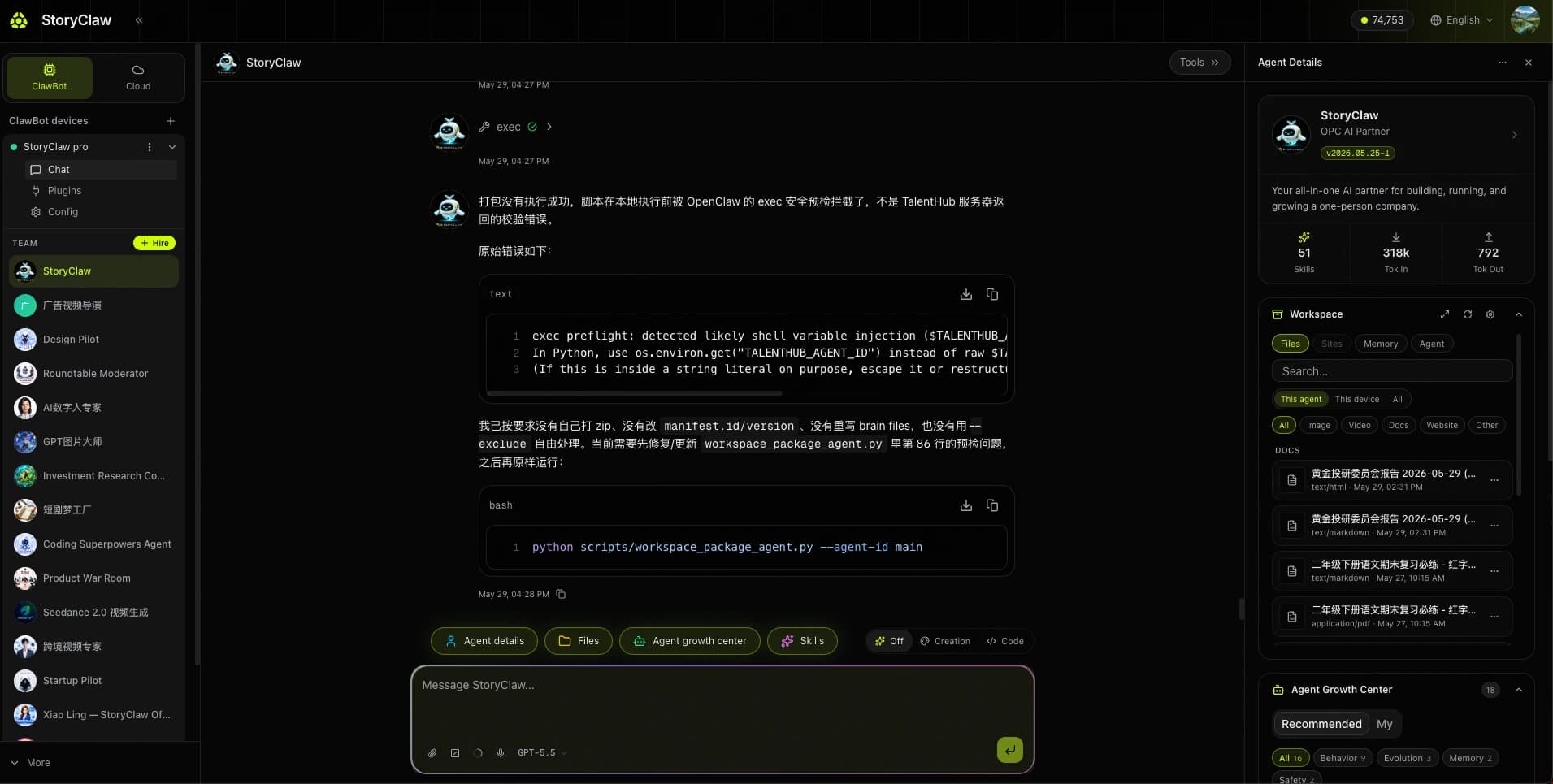
| Module | Description |
|---|---|
| ClawBots | Manage devices and check online status |
| TalentHub | Talent marketplace to hire pre-built Agents |
| SkillHub | Skill marketplace to extend Agent capabilities |
| API Keys | Manage API keys |
| Usage | Usage statistics and consumption records |
| Orders | Order and top-up history |