
Send Your First Instruction
Open Chat, select an AI member, and send your first instruction to get started.
1. Open "Chat" and select an AI member
Click "Chat" in the left menu, then select your newly hired or created AI member from the dropdown at the top of the chat interface.
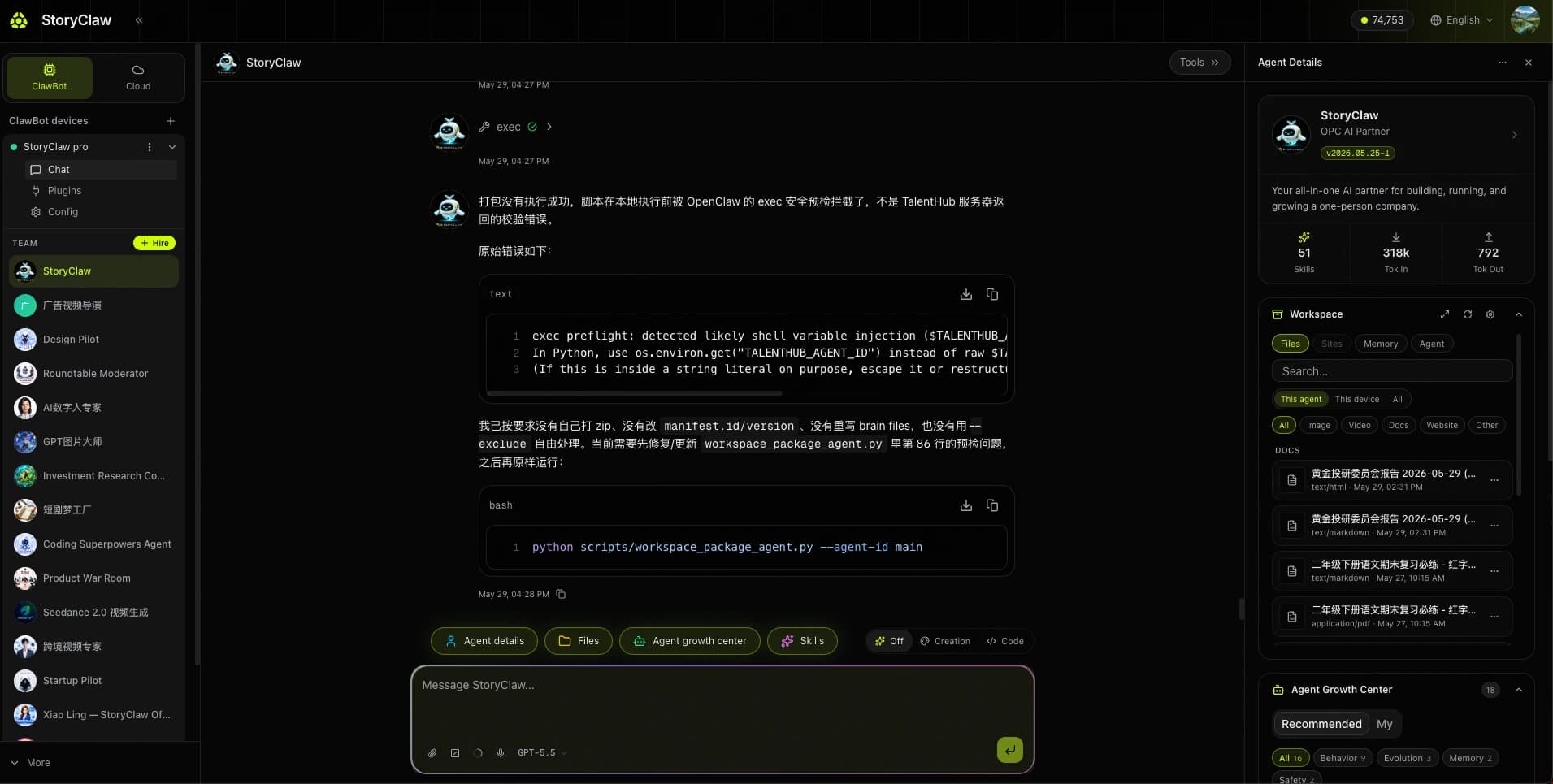
2. Type your first instruction
Every AI member has different capabilities. Start with a universal question to understand what it specializes in. Type in the input box and press Enter or click Send.
Please introduce yourselfWhat skills do you have? What can you help me with?Before we start, what information do you need from me?Tip
Once you understand the Agent's capabilities, give it specific tasks based on its strengths for best results.
Initial setup complete
ClawBot is up and running with your AI members ready to go. Explore a use case scenario or read the Console Guide to discover more features.